
Whole buildings, solved in the browser.
A 3D analysis and design model for structural engineers. Frames, slabs and walls in one model, steel and concrete together. No install: it runs in your browser.
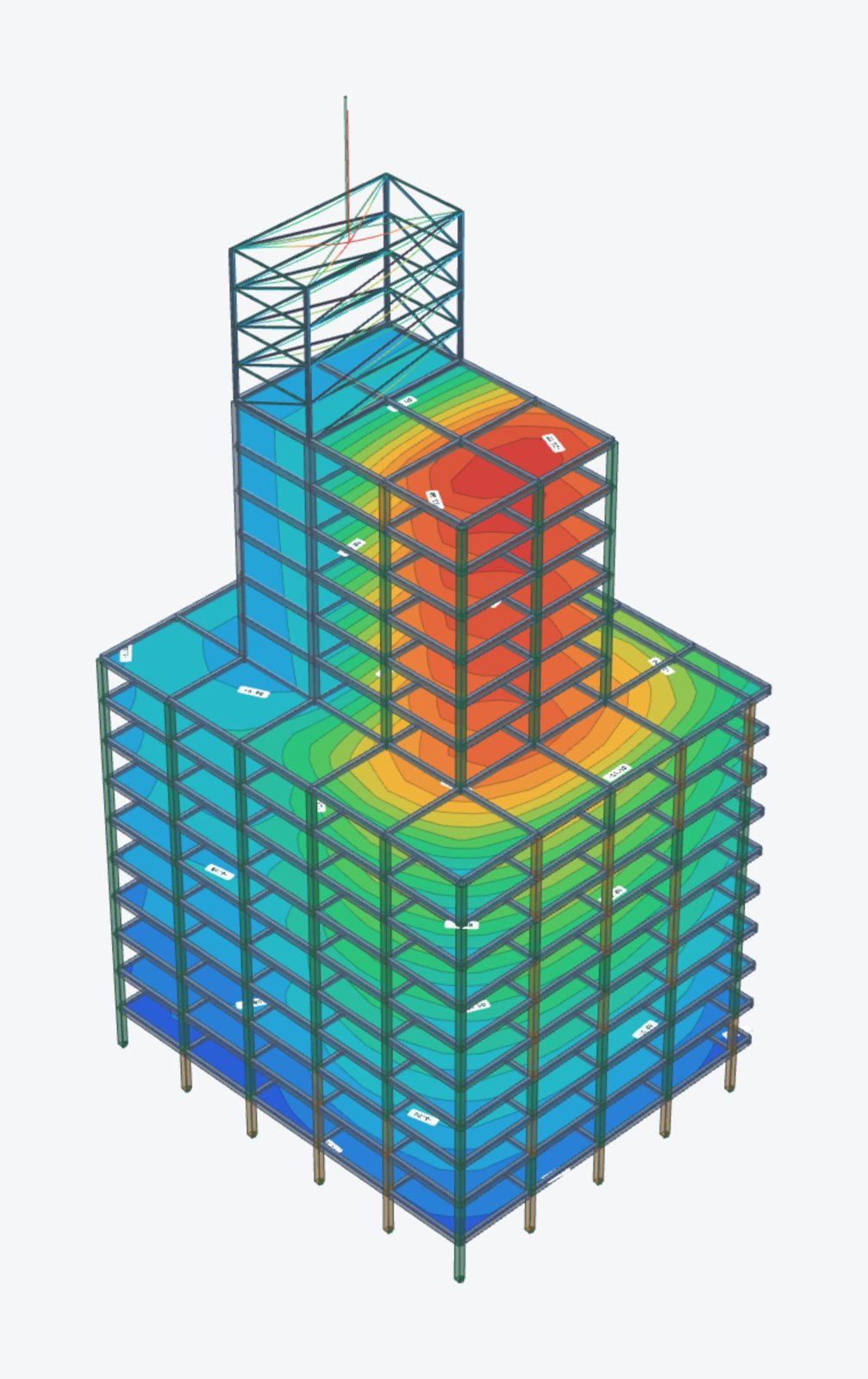
From a few settings to a solved building.
Start from a generator or draw it yourself. STATIX builds the load combinations, solves the model and draws the results on the structure.
From the gallery to results in one go.
Real screen recordings of the development build, sped up about two to three times: pick a structure, set it up, solve it, turn it round.
The answer drawn on the structure.
Every picture here is a real screenshot of the development build.
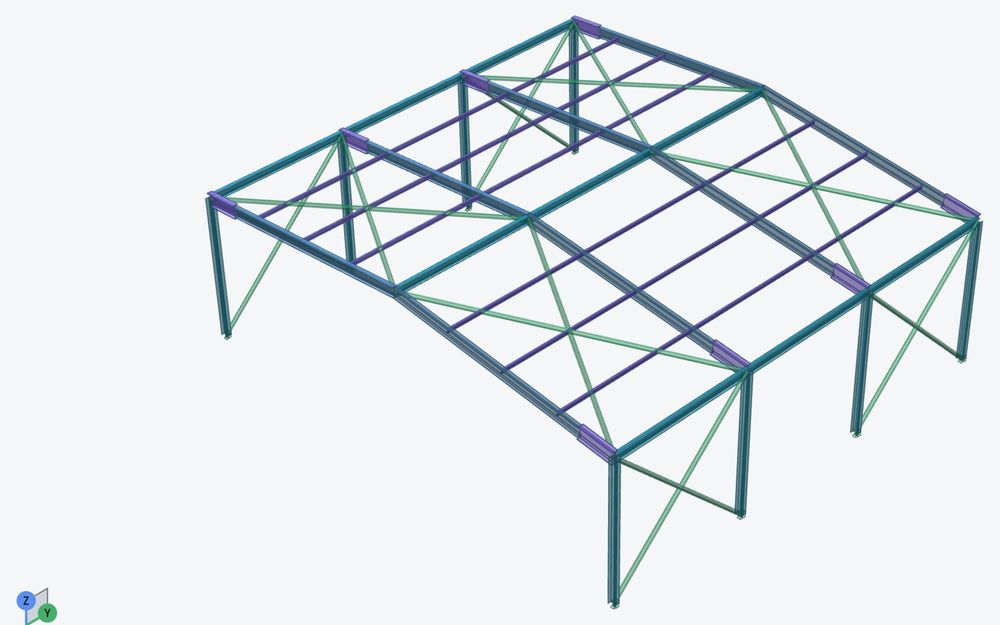
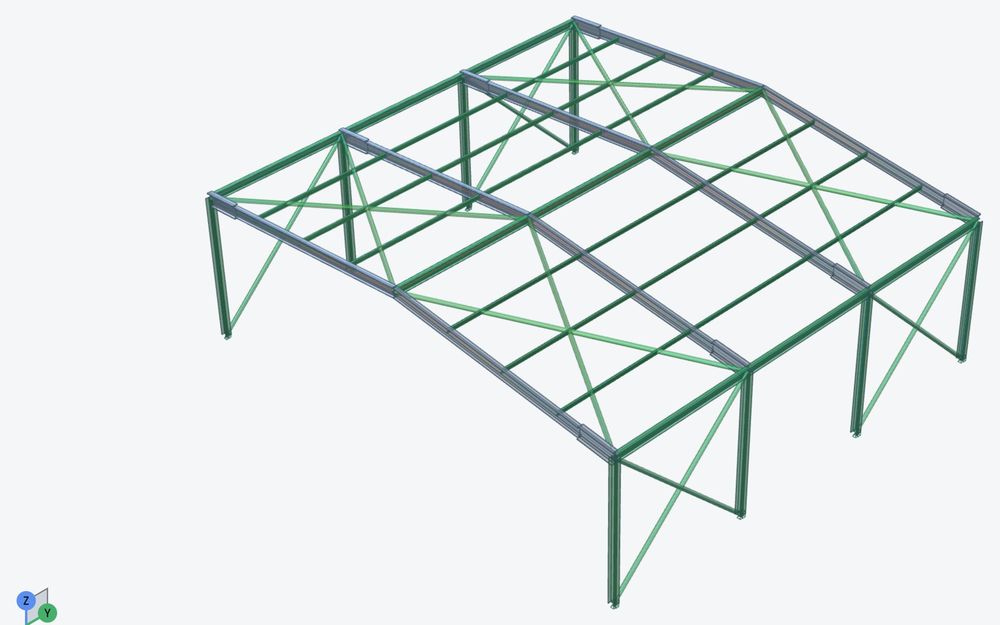
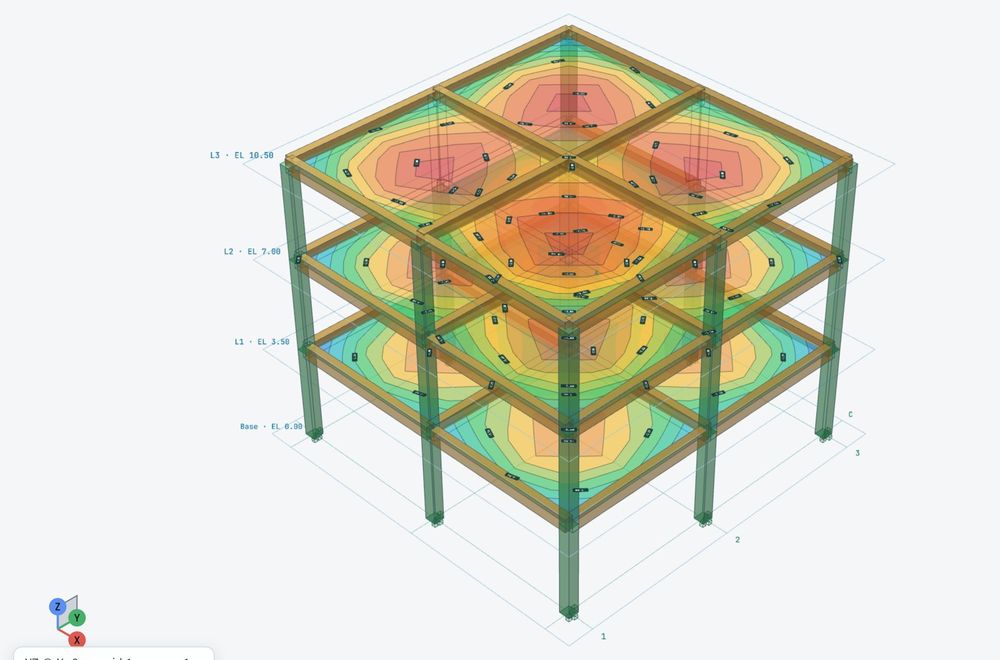
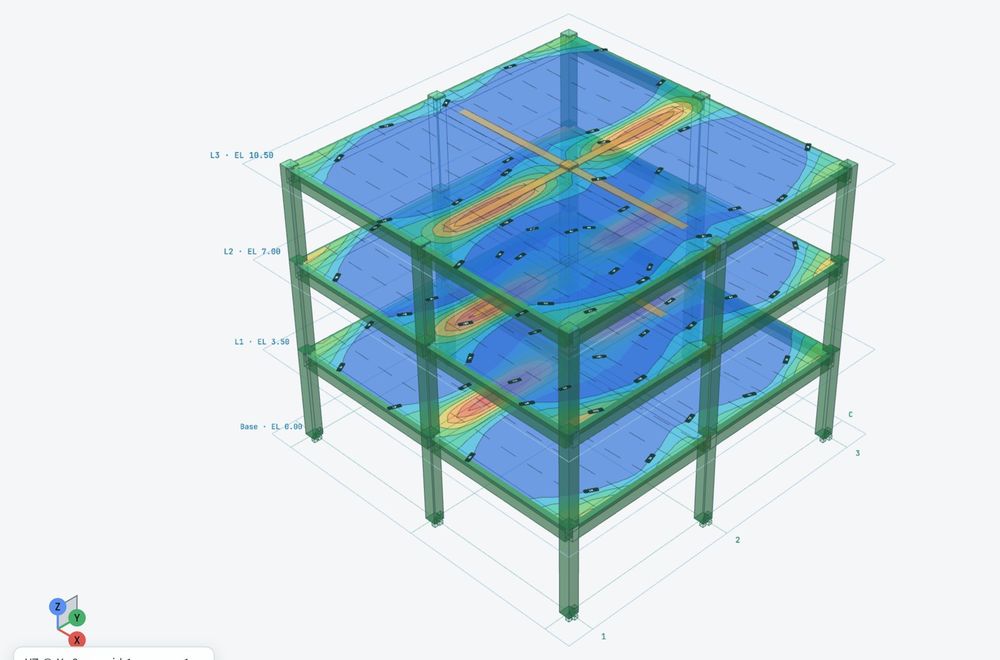
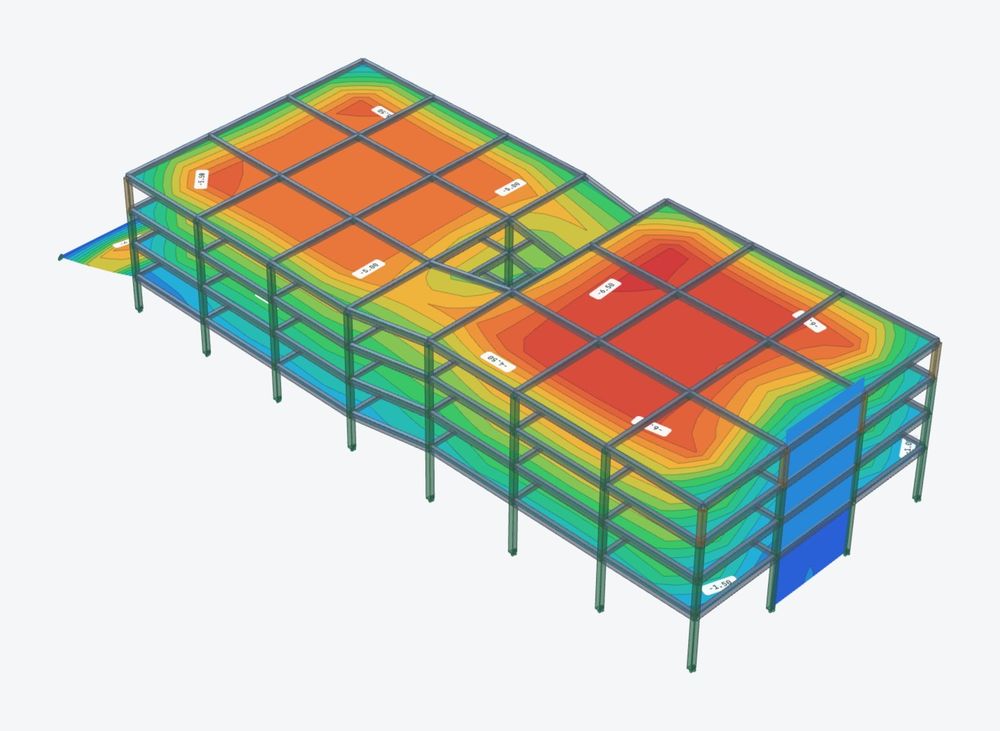
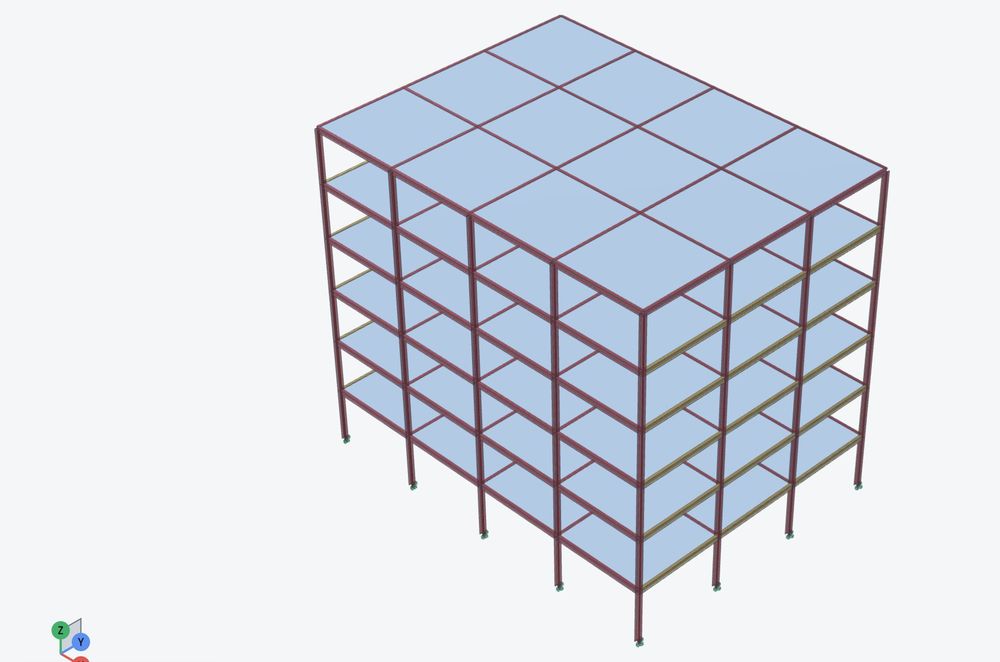
7 structures, generated and solved.
Each one is built from a gallery generator with a few settings, loaded and solved. Applied load and support reactions agree on every one.
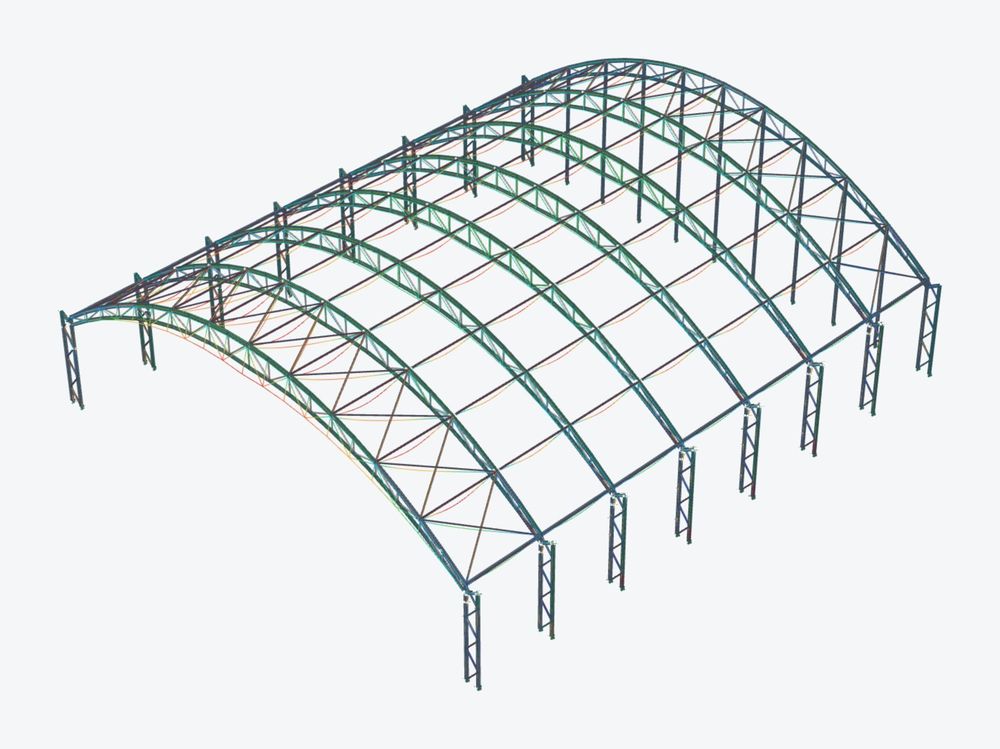
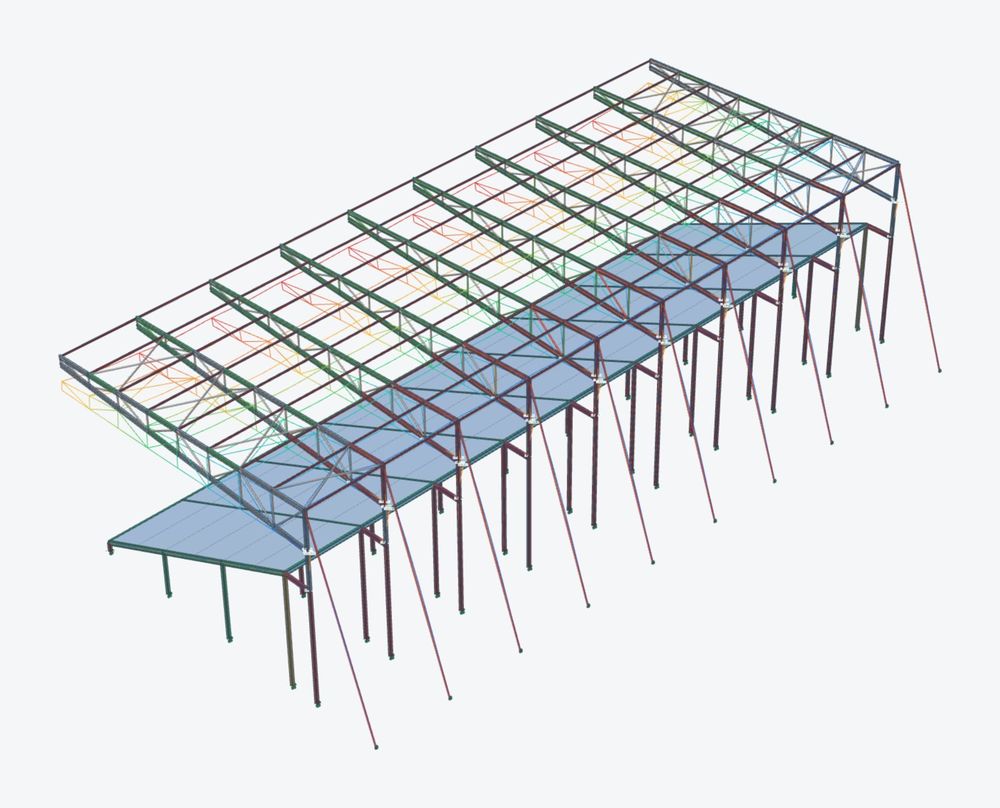
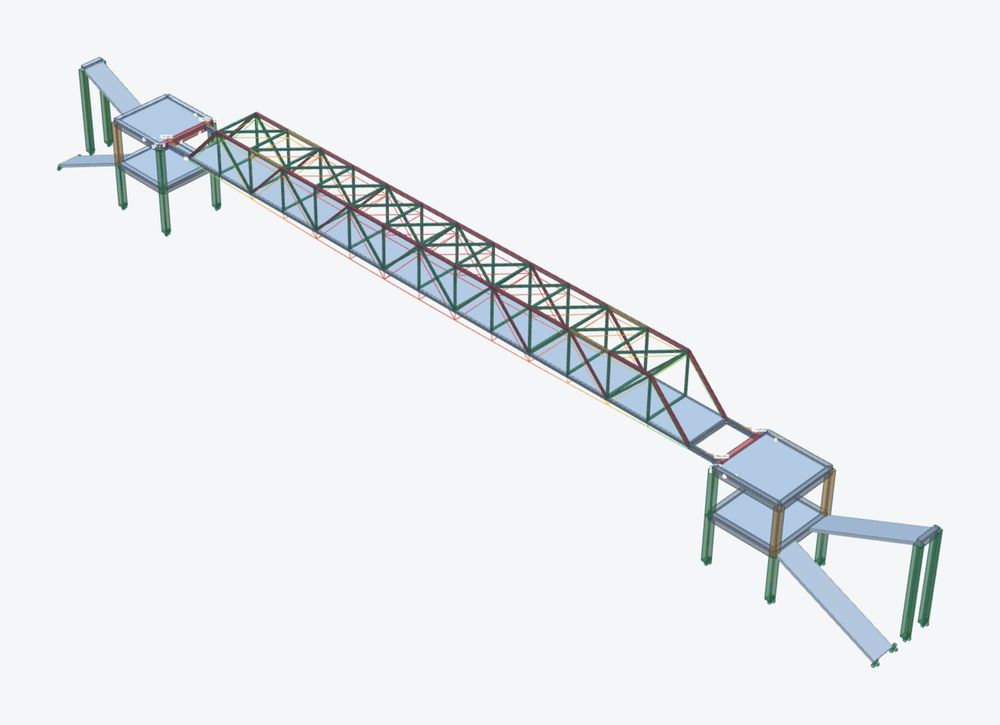
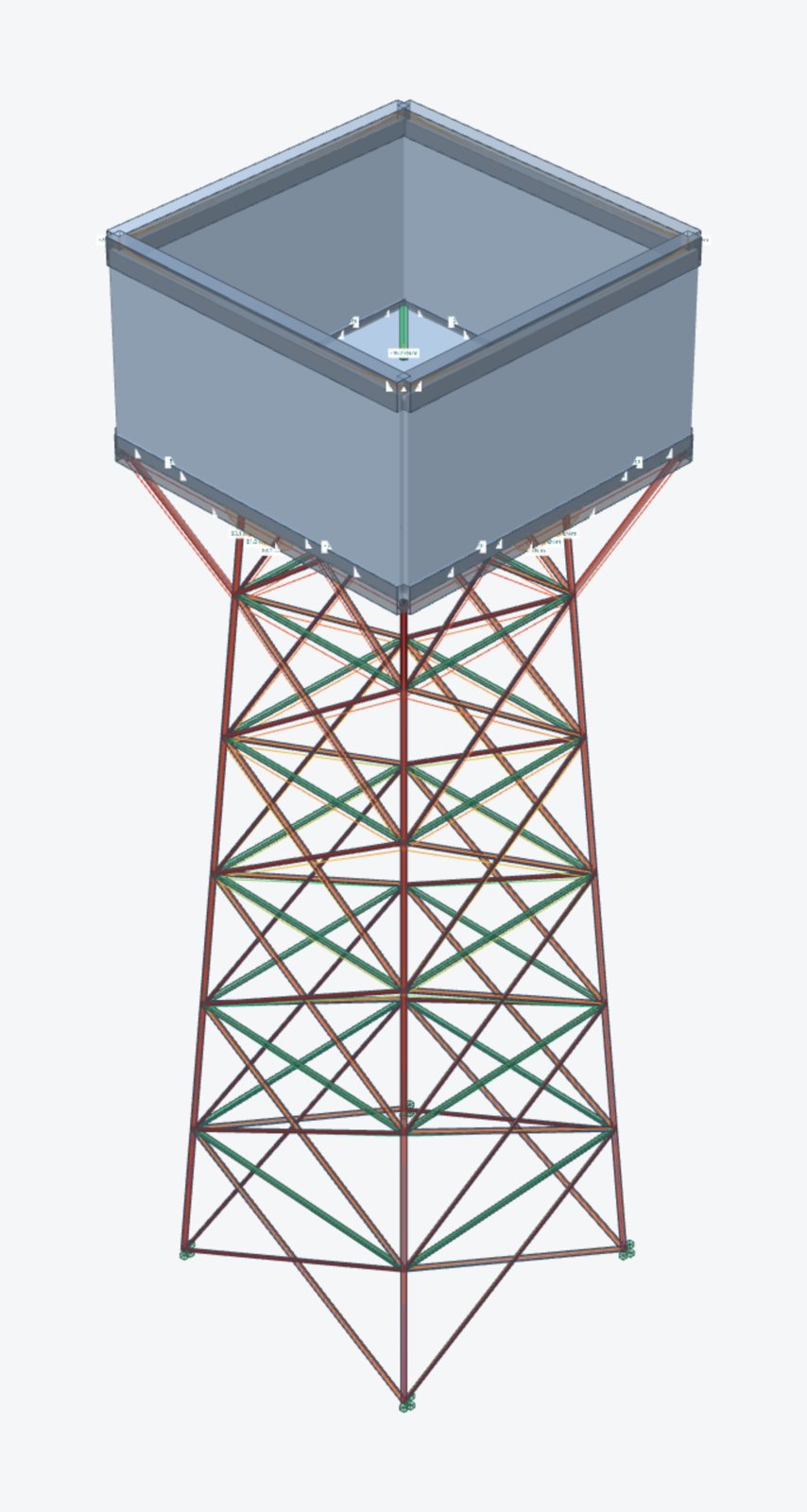
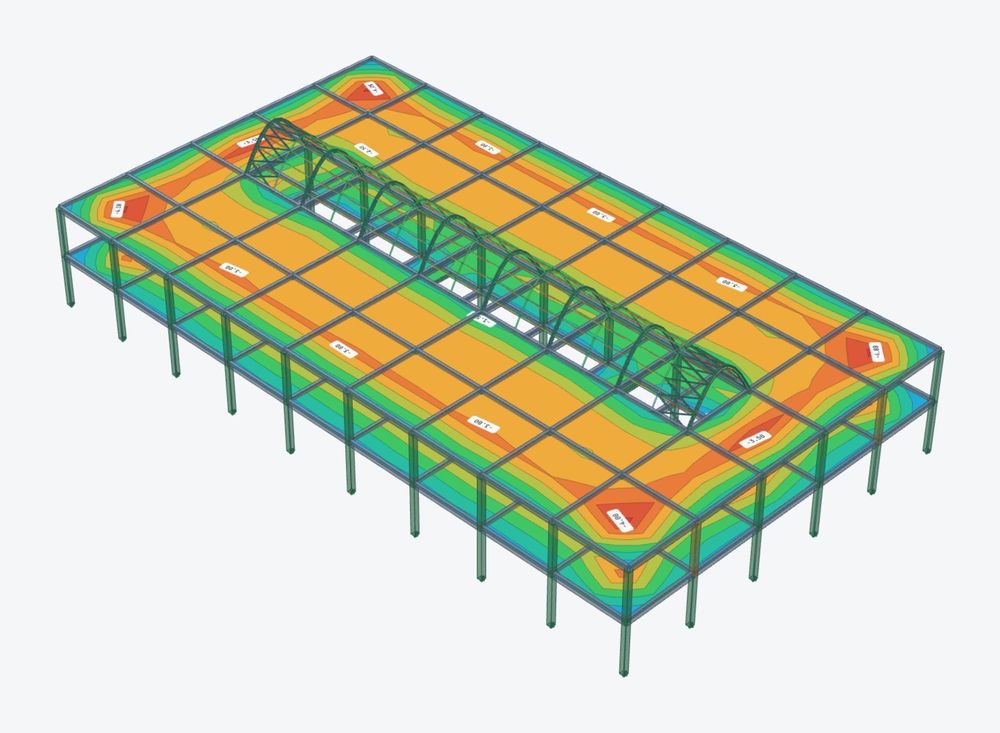
In development. The models were built and solved in the current STATIX 3D development build under self-weight, finishes and imposed load. They show the analysis, not a finished design. Wind, crane and seismic cases, and full member and connection design, are still being built: see below.
Loads and design, in the same model.
Working in the development build and being tested. Not released yet.
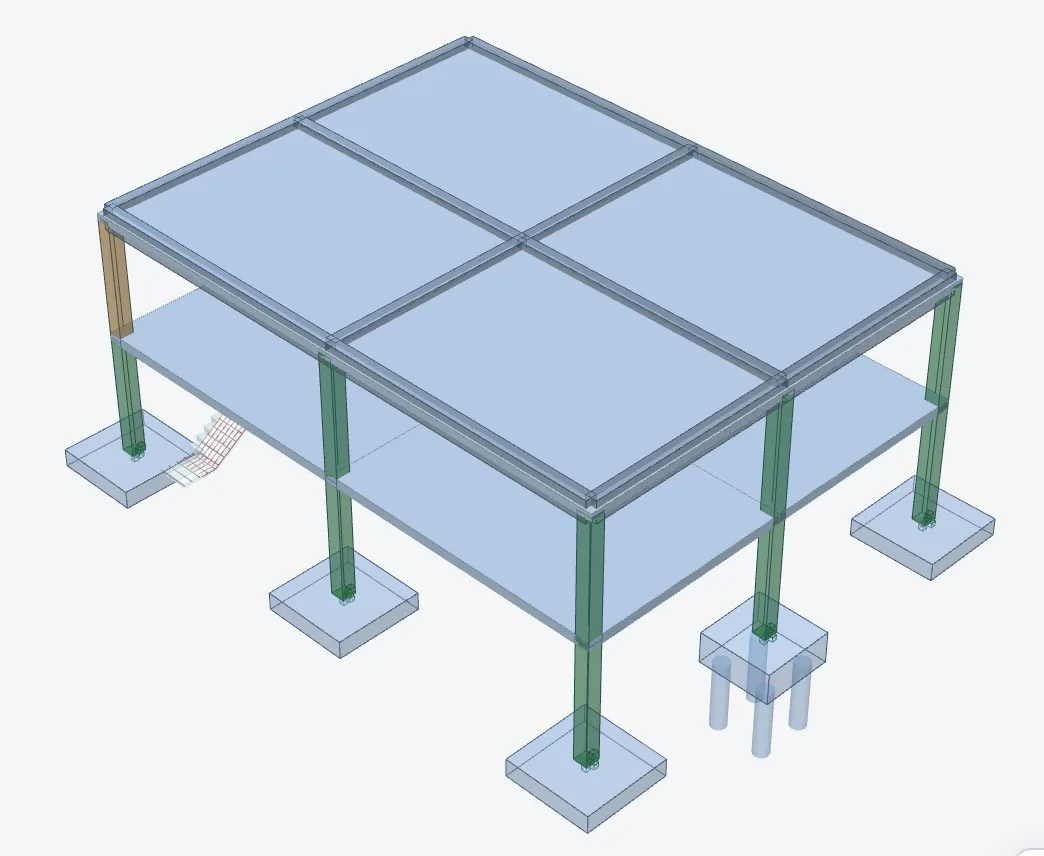
- One click, whole building: design every member, slab and connection of a concrete or steel building in one go, and get the drawings, the bending schedule and the calc pack with it
- Wind to SANS 10160-3: a wind module that loads the model: walls and roofs, canopy roofs, multi-span roofs, friction, parapets, free-standing walls and signboards, and the cladding
- Crane actions to SANS 10160-6 for crane sheds
- Concrete design: beams (with torsion), columns, pad and combined footings, pile caps, RC shear walls, post-tensioned flat slabs, hollowcore and rib-and-block floors, stairs and corbels
- Masonry walls: as a line support or as a shell in the analysis, designed to SANS 10164
- Steel: member design, and the connections of the frame in the Connection Hub and Studio
- Generators: more starting points, among them a hollowcore building, an RC core, a portal frame on pile caps and a crane shed
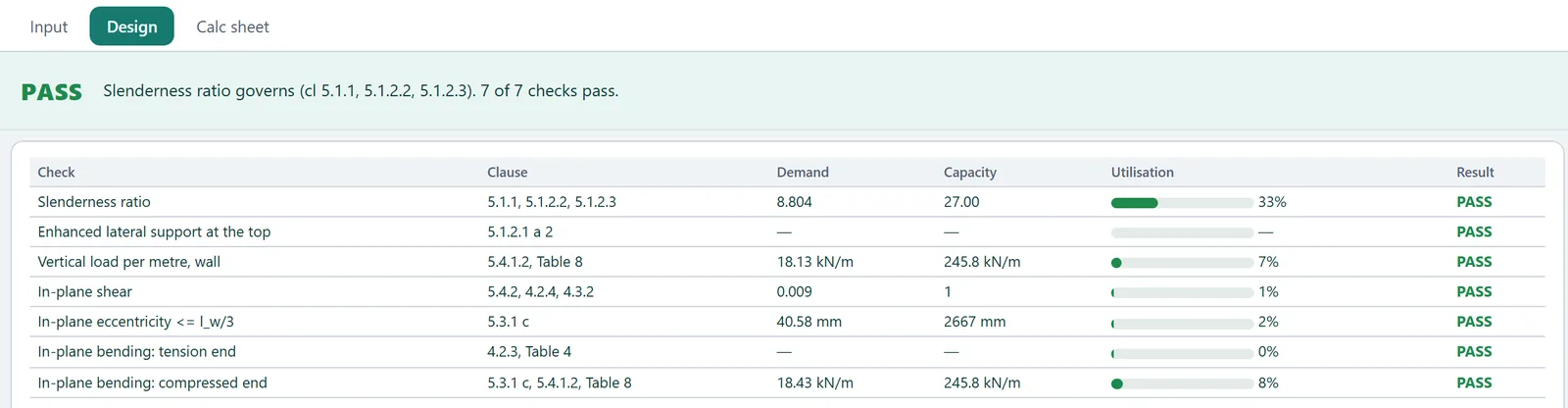
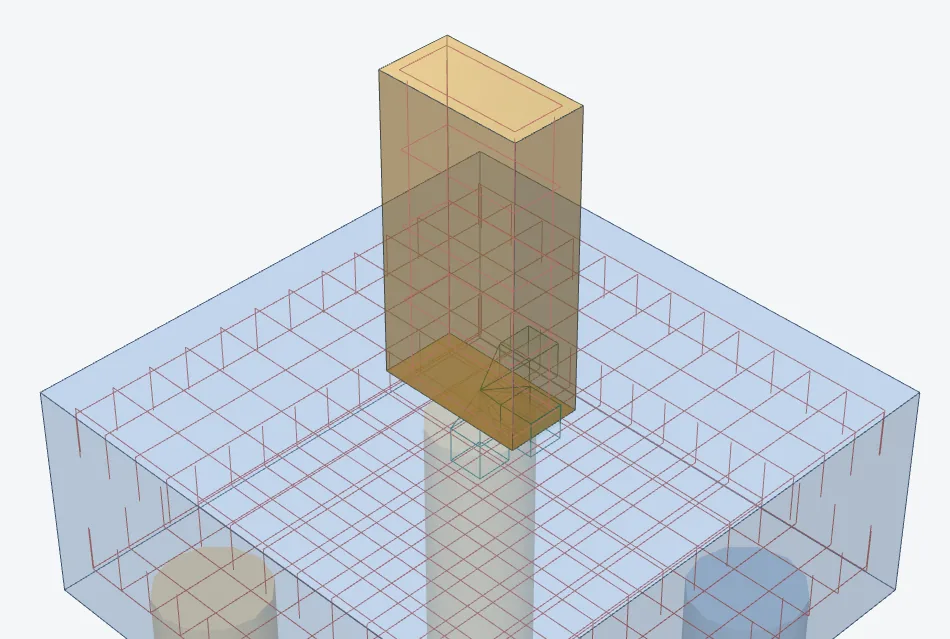
In development. These parts run in the development build and are being checked against hand calculations before release.
From Revit to analysis and back, without redrawing.
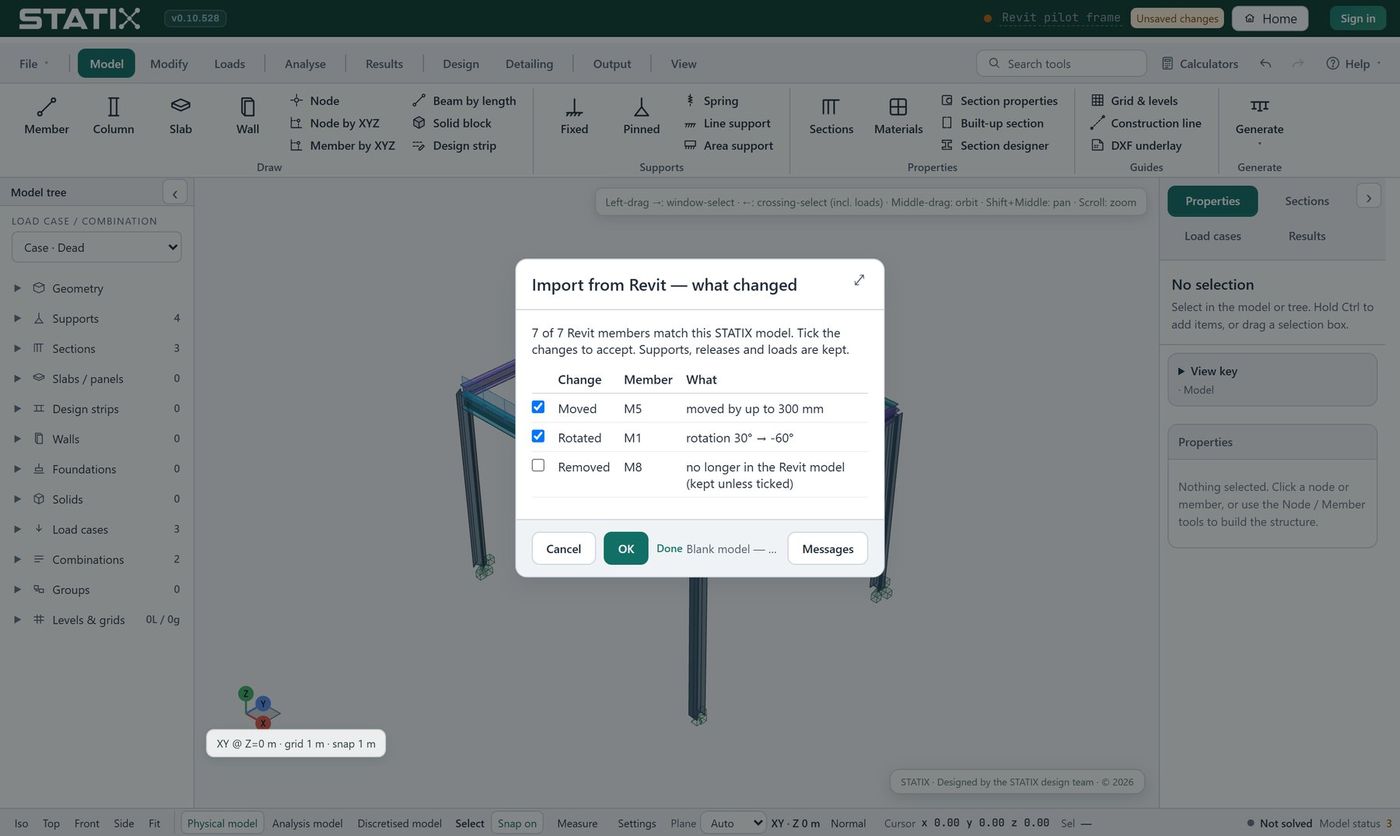
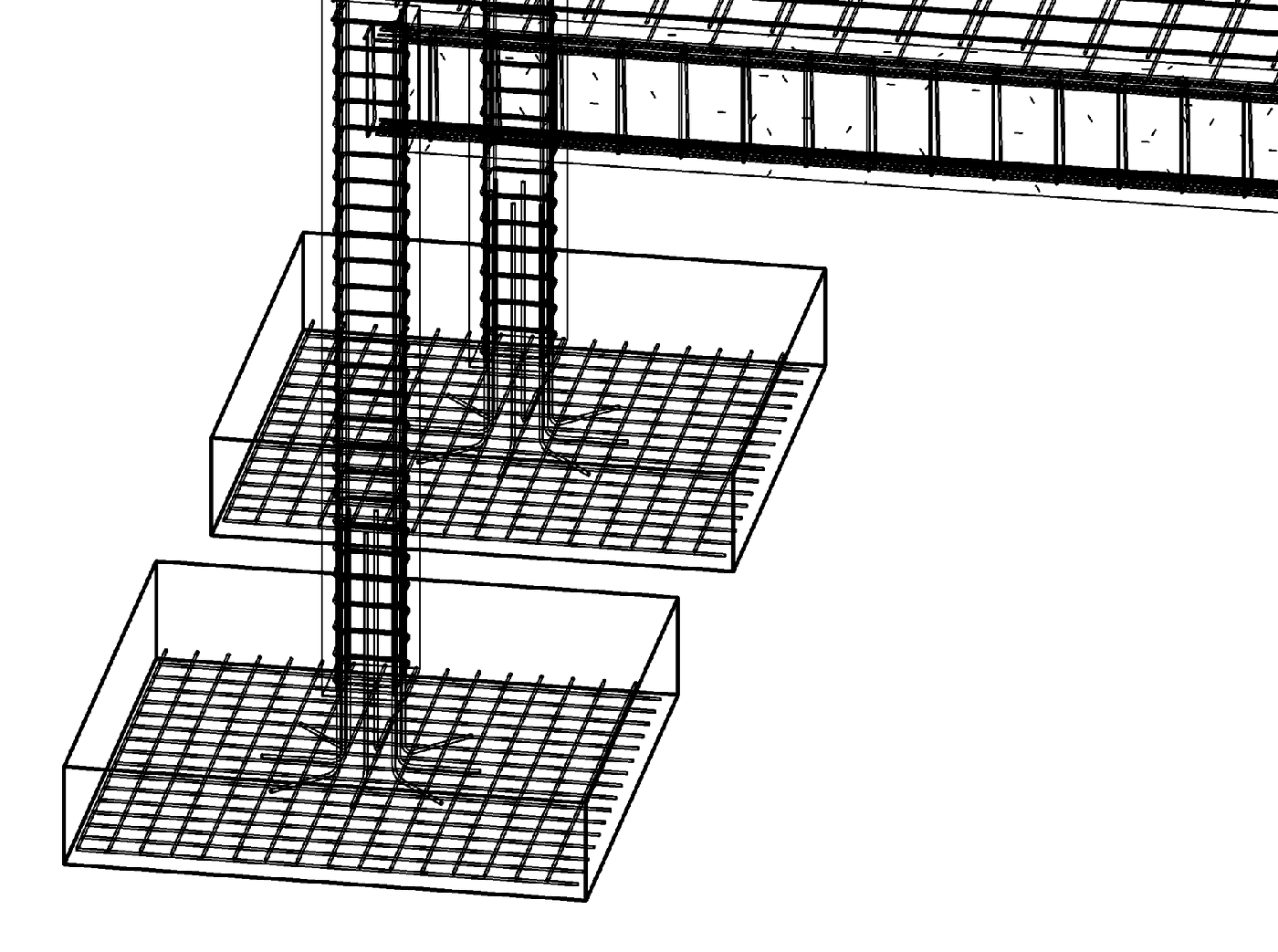
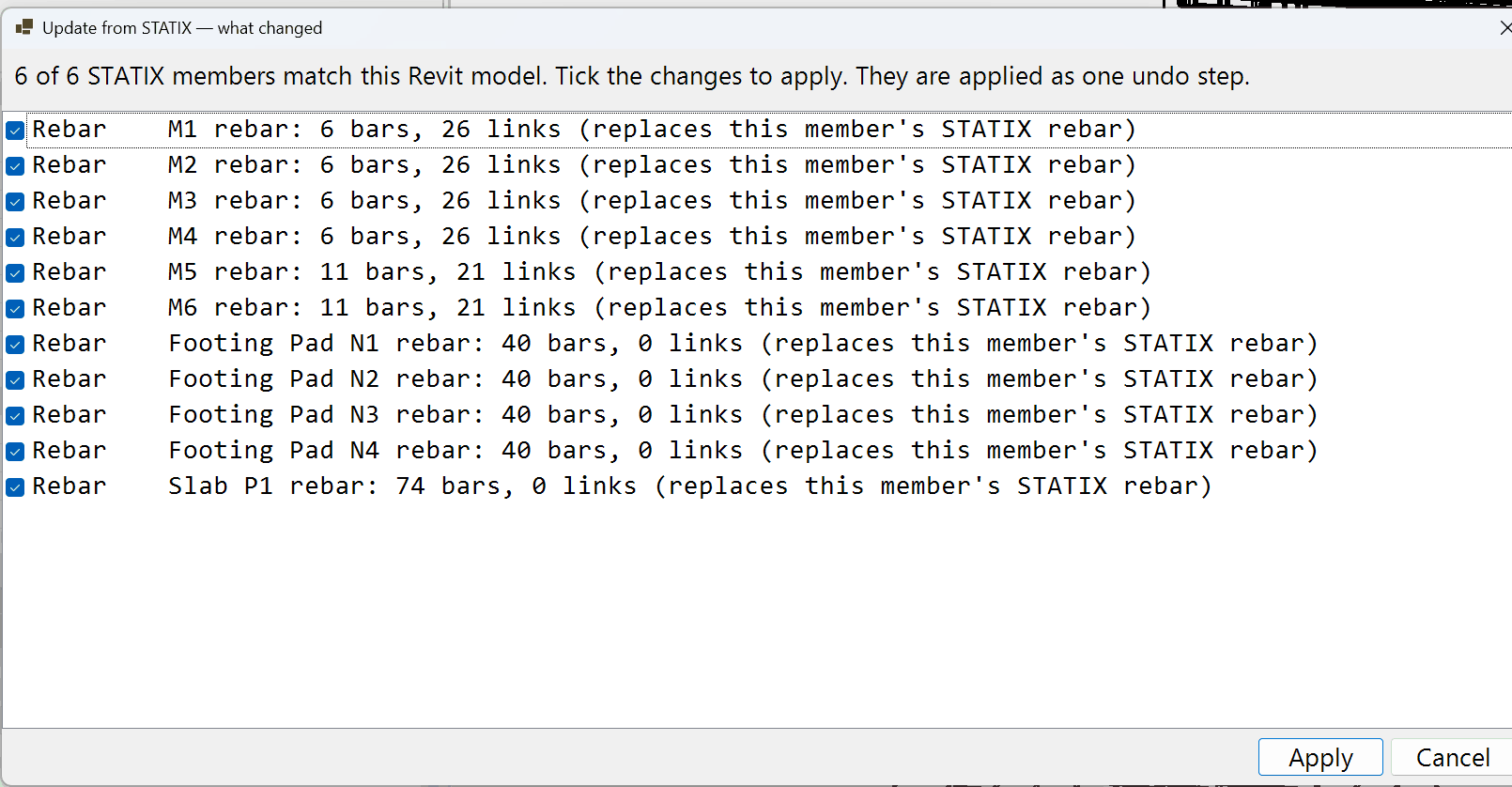
A two-way link with Autodesk Revit. Every picture here is a real screenshot of the development build and Revit 2026.
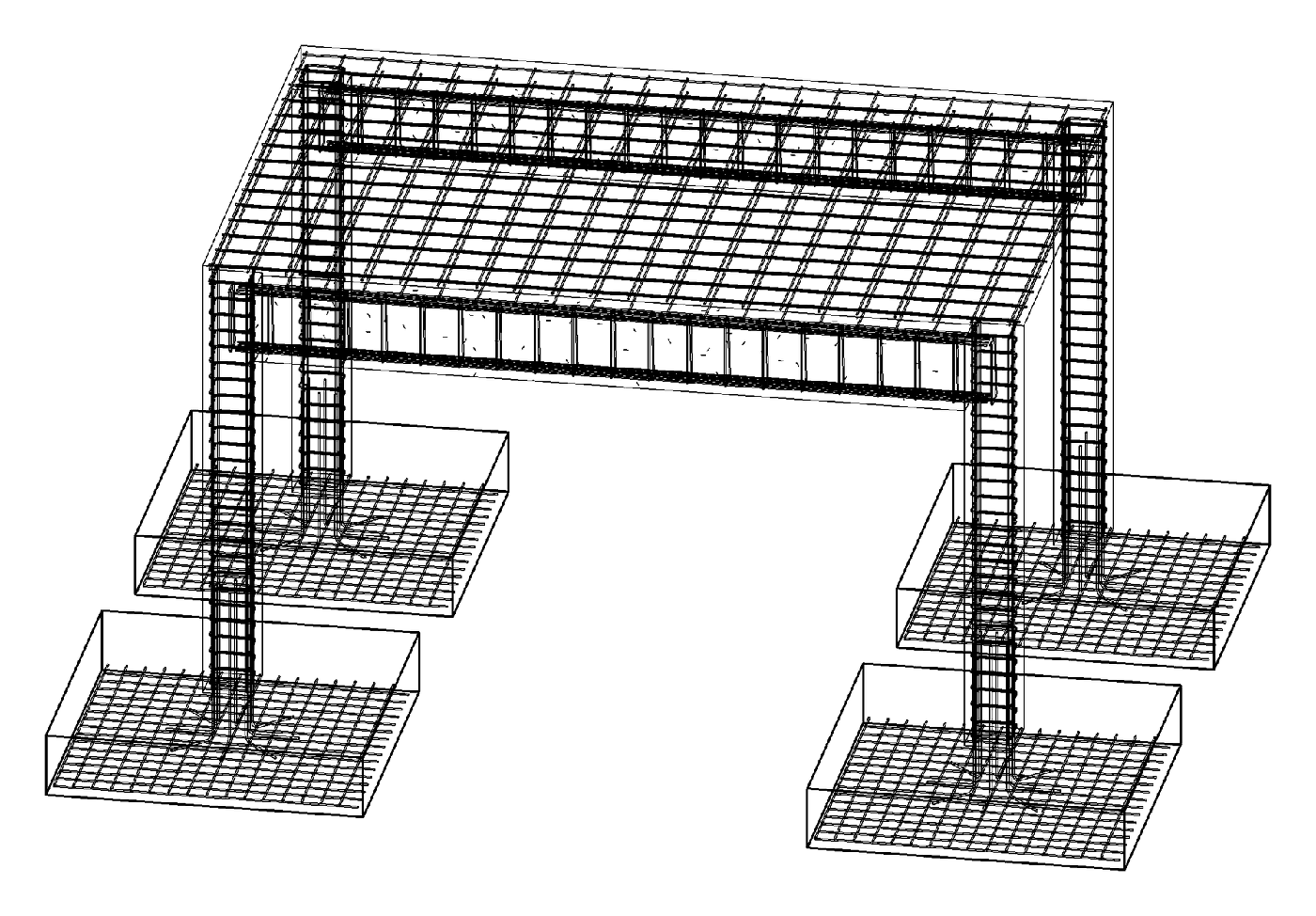
One model, two programs
- Bring the model in: open your Revit structure in STATIX and analyse it
- See what changed: when a member is moved, turned or deleted in Revit, STATIX lists exactly what changed and you choose what to accept
- Send it back: your changes go back to Revit, so both models stay the same
- Reinforcement in Revit: columns, beams, footings and slabs designed in STATIX arrive as real Revit rebar, ready for drawings and schedules
- Your own families: STATIX uses your company's Revit families, or makes its own
Steel connections, from design to fabrication
- Model and check: every connection in STATIX, from base plates and haunches to bracing and cleats, checked for strength
- Send to Revit: connections go to Revit with their full geometry: plates, bolts, welds and stiffeners
- Back from Revit: connections sent from STATIX and changed in Revit come back to STATIX for a strength check
- For the fabricator: export an IFC file with every plate and bolt, for the detailer's fabrication drawings
In development. The Revit link is being built and tested; it is not available to download yet. Connection results already travel to Revit on each joint, and a fabrication export of the connections to Advance Steel is in testing. The IFC export with plates and bolts is what we are working towards.
Design what you analysed.
The model feeds the design modules.
Be first to use STATIX 3D.
Leave your email and we will tell you when each part is ready for testing. One confirmation now, one message then. A short monthly update only if you tick the box.