
One model, from analysis to the site.
STATIX is one chain for structural engineers and detailers. You build the structure once. STATIX solves it, designs every member, slab and connection clause by clause, and hands the result on as calc sheets, bending schedules, reinforcement drawings and fabrication models. Nothing is typed in twice.
The workflow
Six stages, left to right. Each stage reads what the stage before it made.
Build it once
One 3D model for the whole structure.
- Frames, slabs and walls; steel and concrete
- Generators for portal frames, trusses and more
- Supports, releases, springs and offsets
Solve it
Loads and combinations, then the solve.
- Load combinations to SANS 10160
- Linear static, P-Delta (second order)
- Buckling factor αcr of the frame
- Results drawn on the structure itself
Check every member
Each member designed with the forces it really carries.
- RC beams, columns, pad footings and slabs
- Steel members and cold-formed sections
- Clause by clause: SANS 10100-1, SANS 10162-1, EN, BS
Every joint
The joints found for you, with their forces.
- Connection Hub: every joint and its forces from every combination
- Connection Studio: plates, bolts and welds in 3D
Sheets and drawings
The proof and the paper for the site.
- Calc sheets with every clause
- SANS 282 bending schedules
- Reinforcement drawings in AutoCAD with STATIX 2D
- Drawing sheets, schedules and quantities on the project board
To the fabricator
The design goes on as models, not as retyped numbers.
- Rebar back into Revit
- Steel connections with every plate and bolt into Advance Steel
| What moves | From → to | What it carries |
|---|---|---|
| The model | Revit → STATIX 3D | Geometry, sections, materials; later, only what changed |
| The solved model | Analysis → design | Forces, moments and movements for every combination |
| Joint forces | Analysis → Connection Hub → Connection Studio | Each joint's members and its forces from every combination |
| Reinforcement | RC design → bending schedule, STATIX 2D, Revit | Bar marks, shapes, sizes and spacings to SANS 282 |
| Steel connections | Connection Studio → Advance Steel | Plates, bolts and welds for fabrication |
| The proof | Every stage → calc sheets | Every clause, with its inputs and its answer |
Start with one member
The free calculators are the design stage on its own: one beam, column, footing, slab or connection at a time, with a printable calc sheet. They run on the same engines as the model.
Open the free calculatorsSee the whole chain
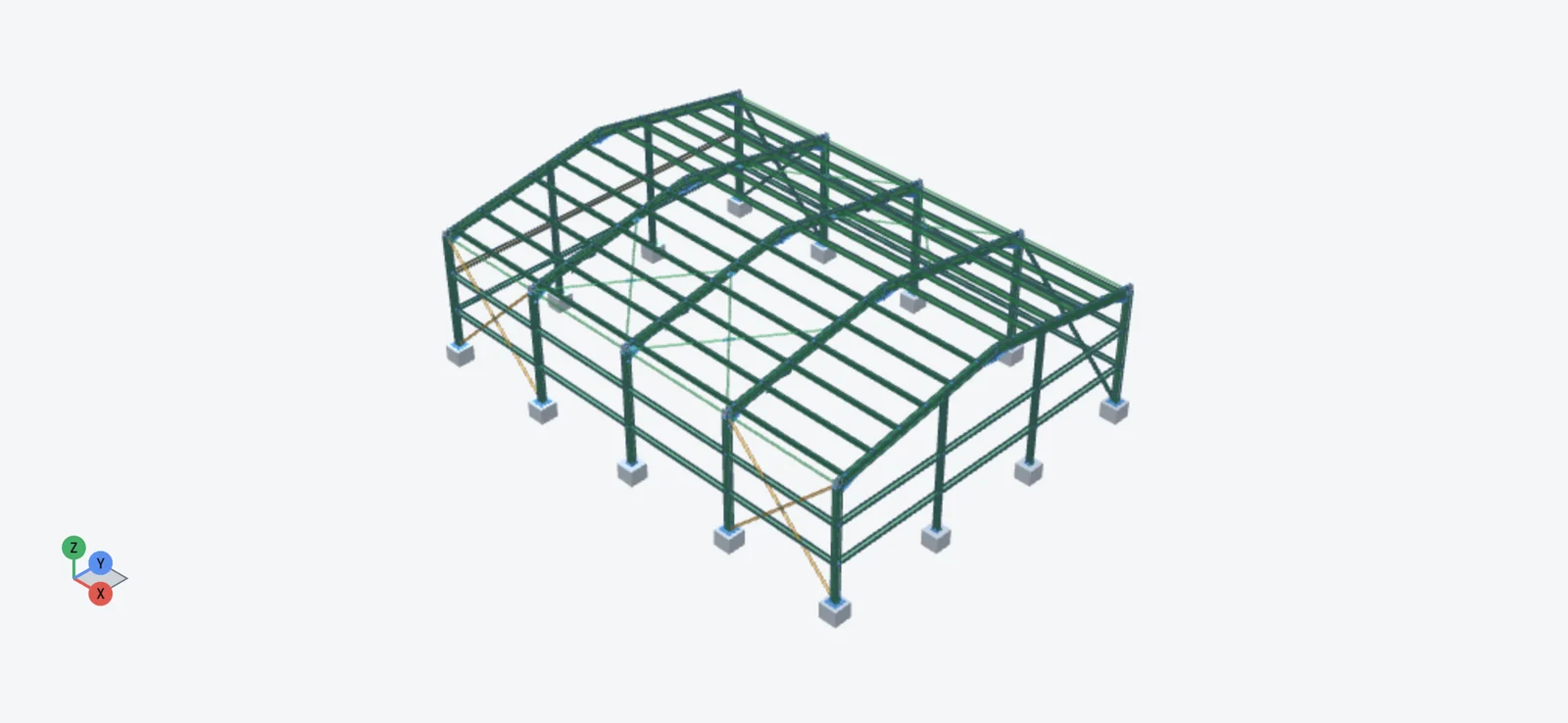
One 18 m portal frame through every stage: analysis, member design and every connection, with the real results and the Advance Steel model.
See the showcaseBe first to use STATIX 3D.
Leave your email and we will tell you when each part is ready for testing. One confirmation now, one message then. A short monthly update only if you tick the box.